Try Google Photos: compress photos, remove location and repair Takeout dates now, no sign-up needed
Google Photos: compress photos, remove location and repair Takeout dates · Prepare your batch before uploading it to Google Photos
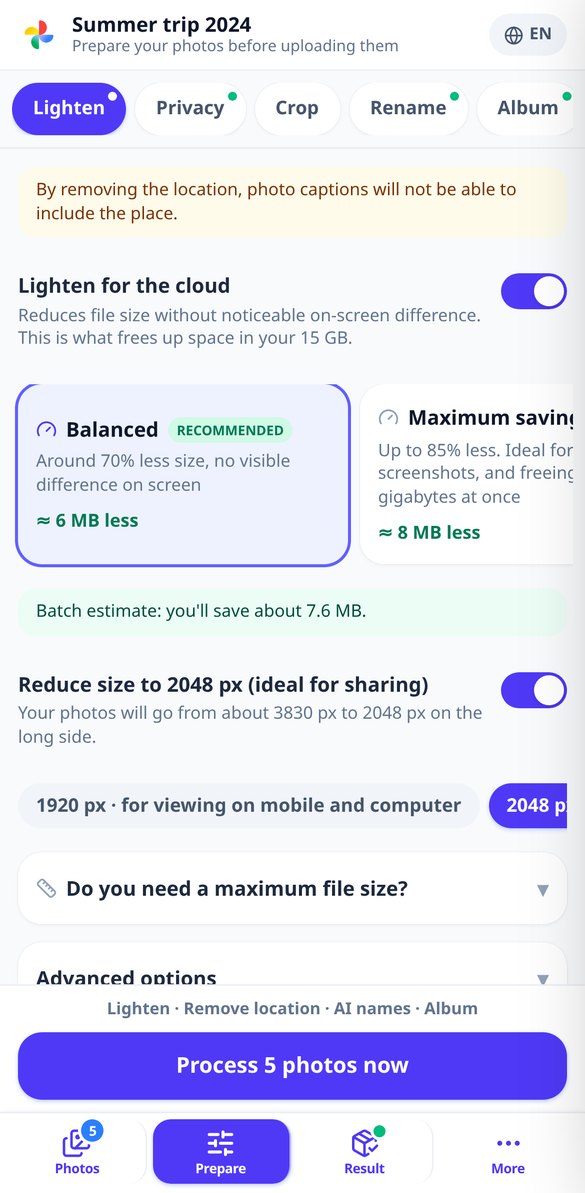
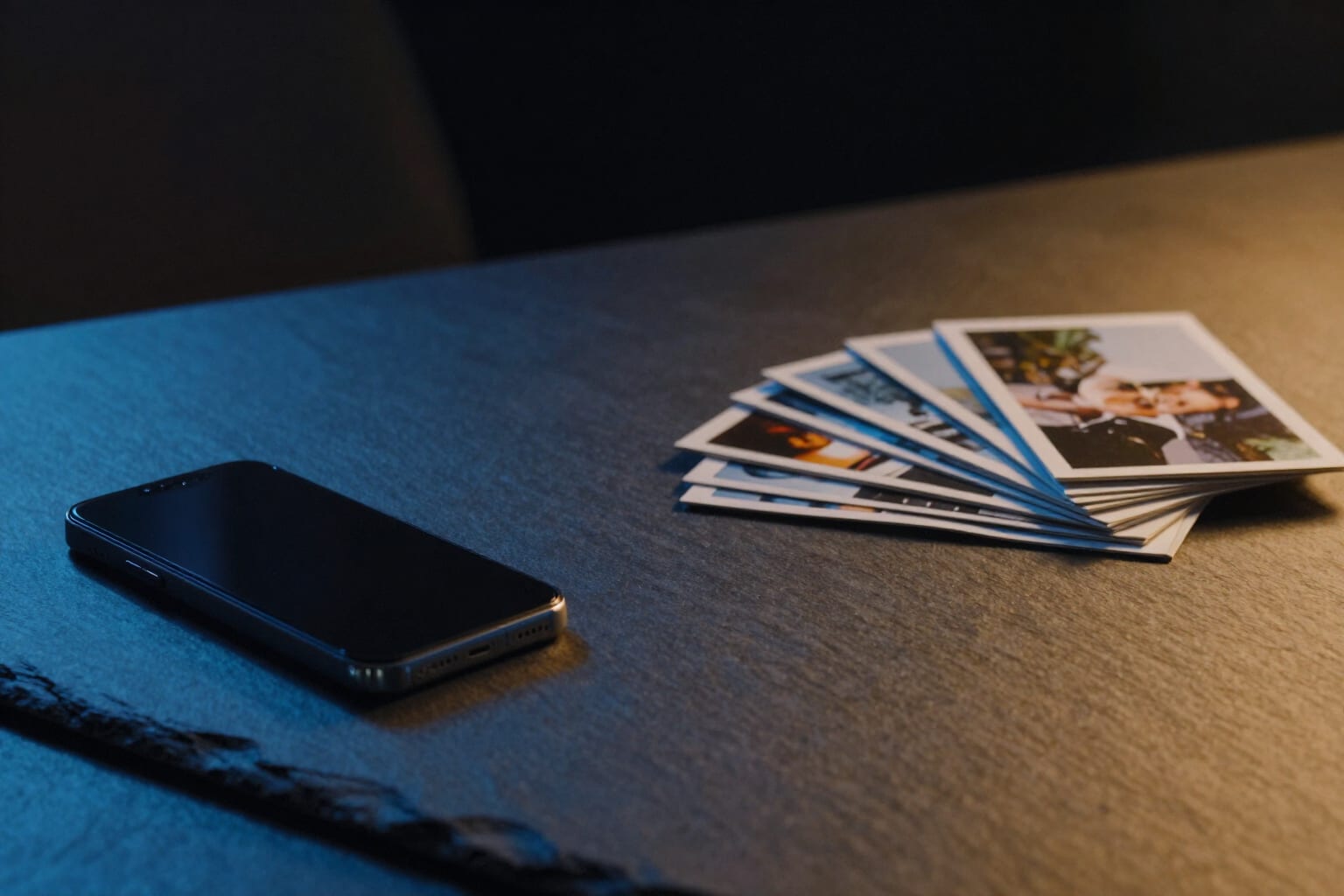
Upload your photos from your phone or computer and, in a single pass, make them lighter so they fit in your 15 GB, remove the location without losing the date, crop them for each destination, and give them names that say what's in them. We never enter your account: you upload the files yourself and they delete themselves.
In the features that use AI, responses are generated by artificial intelligence and are not a substitute for professional advice.

Quanti turni hai speso facendo scorrere lo striker sulla linea di base per vedere se finalmente esce l'angolo?
In carrom il tiro non inizia dove è finito il disco: inizia dove TU decidi di appoggiare lo striker. E qui c'è il problema che nessuna guida risolve, perché tutte ti dicono dove mirare da dove sei già. Questa app ribalta la domanda: scansiona tutte le posizioni legali della tua linea di base e ti restituisce le fasce che rendono possibile il tiro, la migliore posizione di appoggio e la sua larghezza in millimetri di tabellone —perché quello che si allena è la finestra, non un punto, che è l'unica cosa che sopravvive a un dito su uno schermo da sei pollici—. In più disegna lo striker fantasma e il punto di contatto, ti dà l'angolo di taglio e la frazione di disco che vedrai, ti nomina il disco che blocca ogni tratto con il suo margine e ti avvisa quando lo striker seguirà il disco fino alla tua buca, il Due che ti fa restituire un pezzo già conquistato: il rischio è pubblicato come un cono di ±8°, non come una linea sottile, e la correzione è un tocco che sposta l'appoggio dei millimetri giusti. Dove non c'è tiro diretto ci sono i colpi sul bordo di legno a uno e due rimbalzi, il back shot, i dischi attaccati al bordo con tre strategie e il piano della Regina, che decide se ti conviene andarla a prendere e con quale disco la copri dopo. Le misure sono quelle del tabellone da torneo, non proporzioni approssimative, e ogni numero che è una stima esce con il suo sigillo e il suo margine in vista. E la linea che non si supera: questo non è un aim bot. Non si sovrappone al gioco, non legge il tuo schermo, non funziona durante la partita e non mira per te. È una lavagna per allenarti prima e dopo aver giocato.
See the tools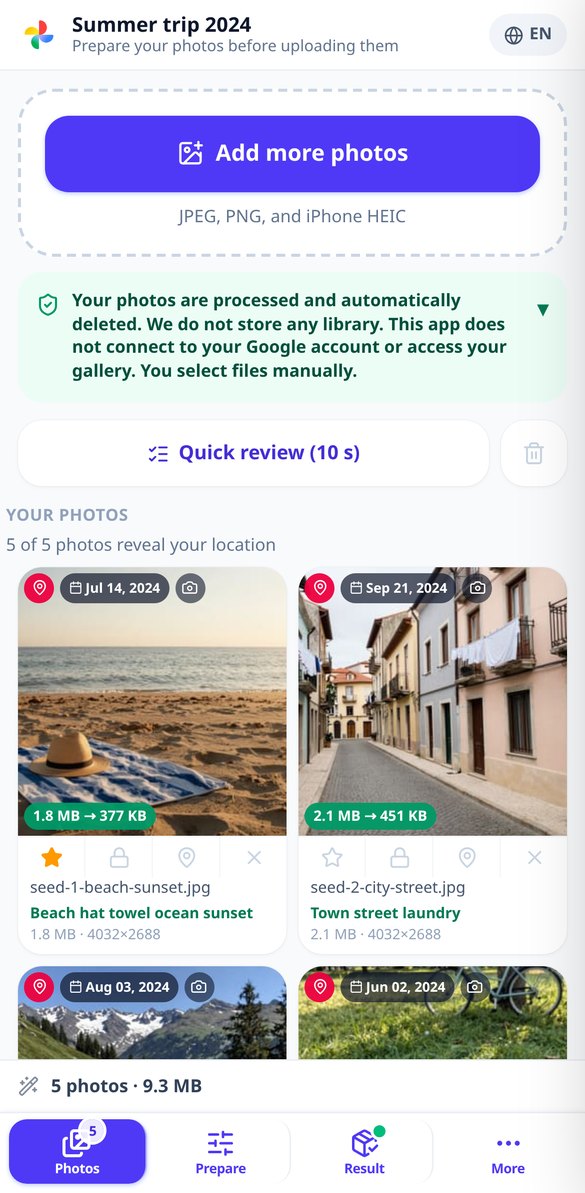
Discover every feature in detail
Convert HEIC to JPG online: iPhone photos without losing the capture date
Convert your iPhone’s HEIC and HEIF files to JPG, WebP, or AVIF in your browser: corrected orientation, intact EXIF date, and GPS removed if you wish. No installation and no registration.
Try it free
Compress photos without losing quality before uploading to Google Photos
Reduce your photos’ file size by 40% to 85% with three presets or a maximum file size per photo. If it was already optimized, it returns the original. With a report of MB saved, in the browser, and without registration.
Try it free
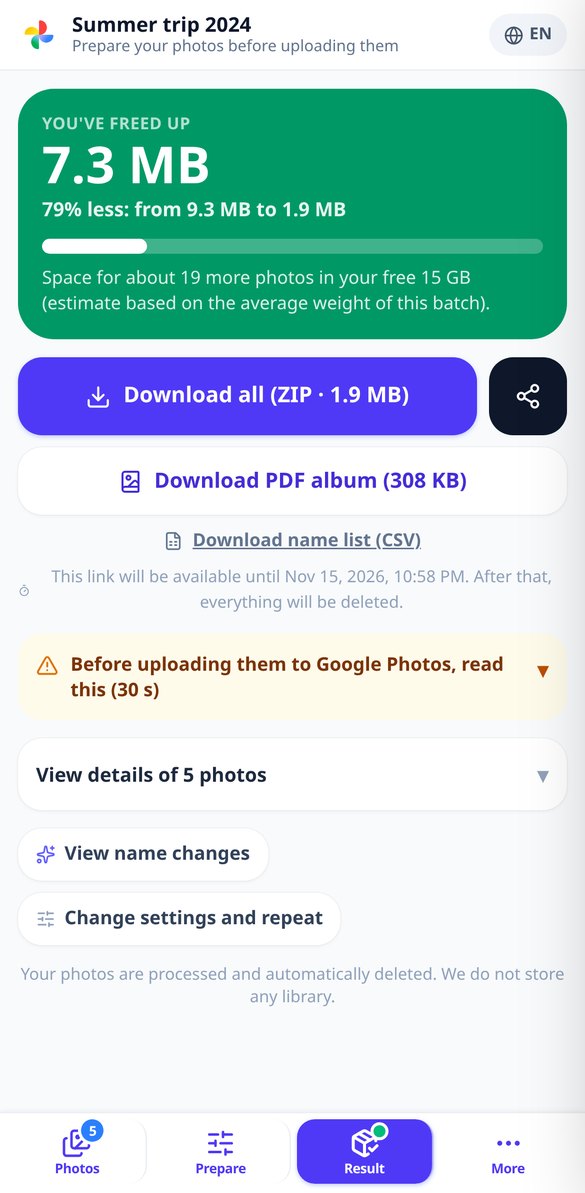
How much space you free up in Google Photos: savings report
Compress your batch and instantly see the MB freed, the percentage and how many more photos fit in your 15 GB free storage. In the browser, no sign-up and no access to your Google account.
Try it free
Fix Google Takeout Dates: Photos with Their Real Date
Your Google Takeout photos come out with the download date. Upload the photos and their .json files and recover the original date inside the file, with location if you want and without recompressing. In the browser and without signing up.
Try it free
Crop photos for social media: 9:16, 1:1, 4:5 and 16:9 in one step
Crop the same photos to Stories format, profile picture, portrait feed and banner in a single pass, with automatic crop frame on what matters and ZIP per destination. In your browser and without signing up.
Try it free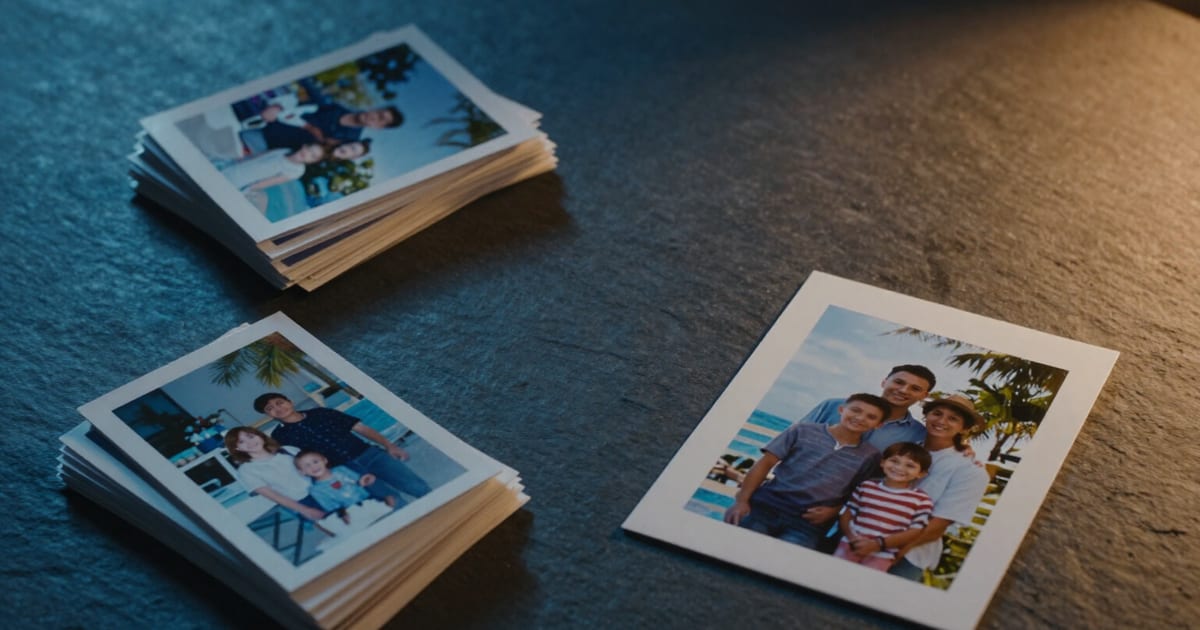
Crop photos for printing in 10×15, 13×18, 20×30 and A4 at 300 dpi
Crop your photos to the actual paper size —10×15, 13×18, 20×30 or A4— with pixels at 300 dpi and a traffic-light indicator that warns you which photos will come out blurry before ordering prints. In the browser and without signing up.
Try it free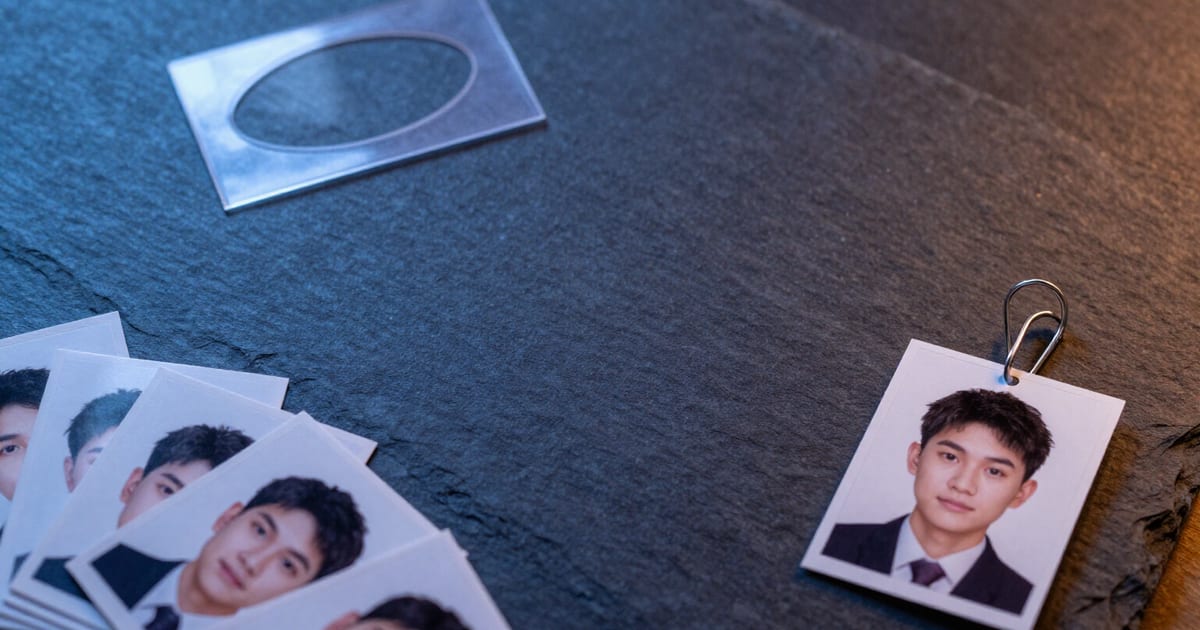
Passport Photo 35×45 mm Online: Crop it with Template and Guides
Crop your photo to passport size 35×45 mm (413 × 531 px at 300 DPI) with an oval mask and crown and eye guide lines. In your browser, no registration or installation needed.
Try it free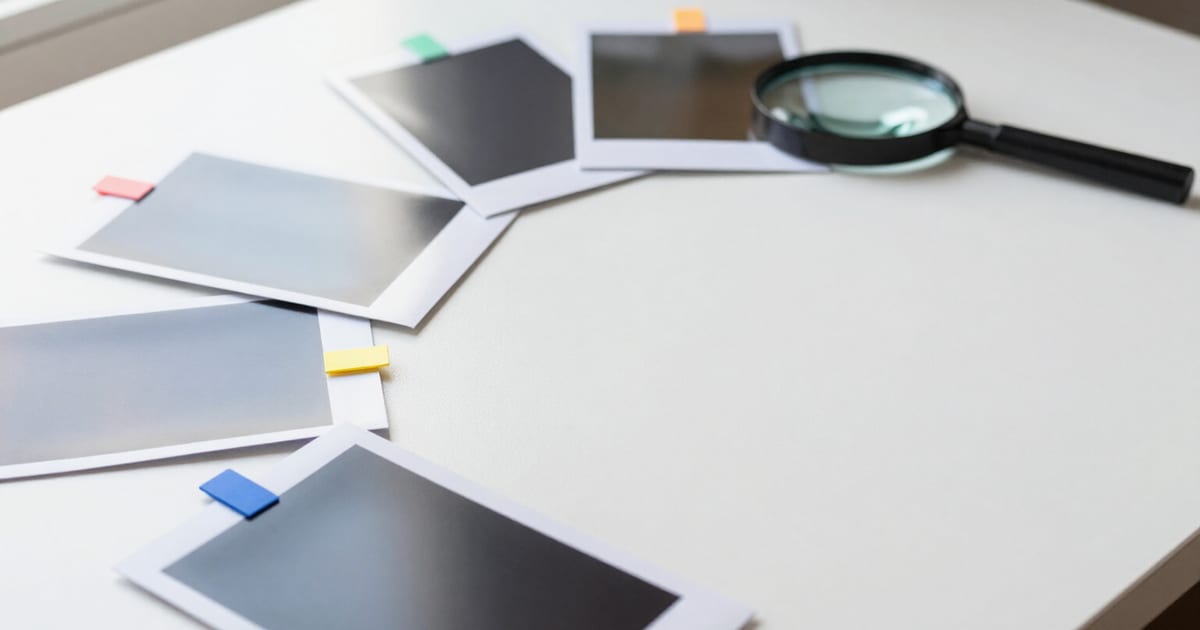
Rename Photos with AI by Content, in Batch
Batch rename photos: AI describes each image, suggesting names, alt text, and tags. Choose your naming pattern, manually edit, and download your name map as a CSV.
Try it free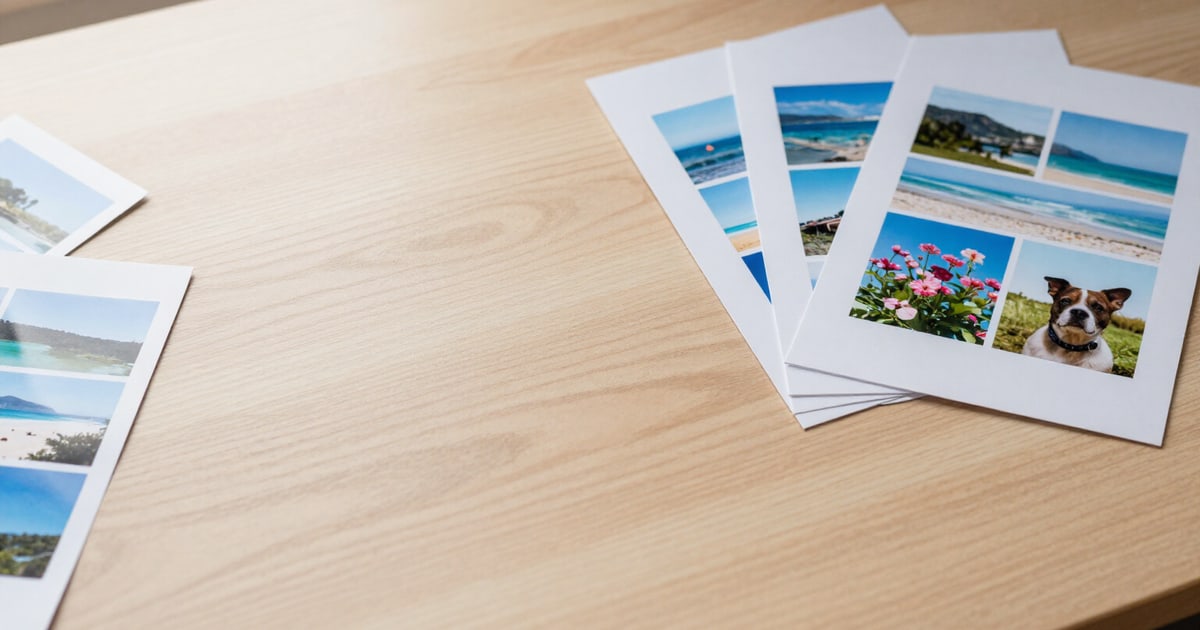
Create a PDF Photo Album for Printing: 1, 2, 4, 6, or 9 per Page
Lay out your photos in an A4 or Letter PDF with 1, 2, 4, 6, or 9 per page, a cover with title and dates, captions, and print-ready 300 dpi. No watermarks and no registration required.
Try it freeFive tools on the same photo batch
Il tabellone è quadrato, ha quattro buche agli angoli e i dischi sono piatti: non rotolano né tornano indietro, quindi qui non c'è nulla che giri come in un altro gioco né un disco fantasma da centrare. Mentre trascini, il tabellone ricalcola il tiro all'istante: non c'è un pulsante Calcola. Pensato a 360 px, con slider, stepper e lente d'ingrandimento perché il tuo dito non ti copra il tiro.
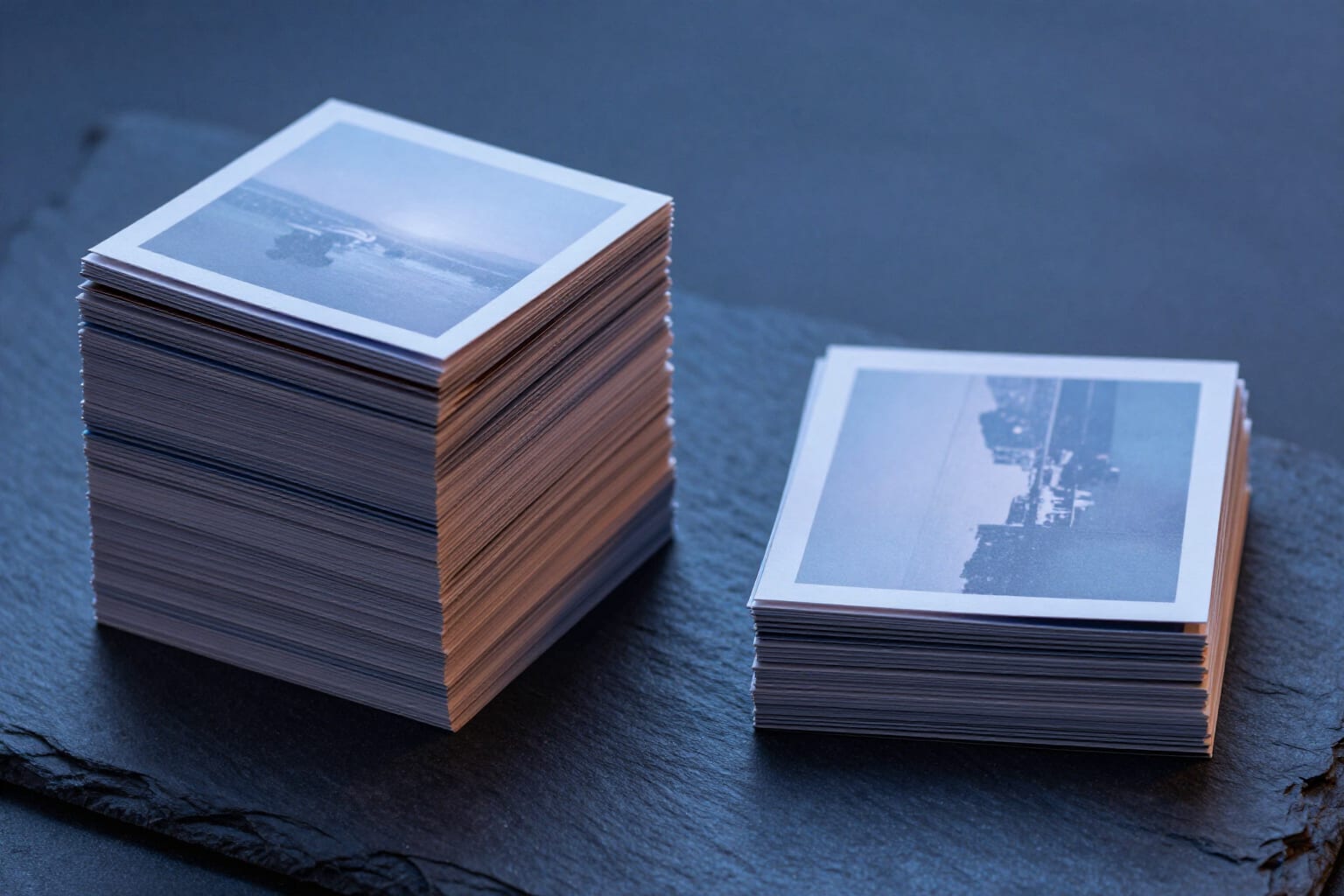
Slim down the batch and see what you save
Three result-oriented profiles — balanced, maximum savings, and pro quality — plus a maximum file size per photo (500 KB, 1, 2, or 5 MB, or whatever you type) that it targets by adjusting quality and, if that isn't enough, reducing dimensions before ruining the image. At the end, the before/after table with the MB and percentage for each photo and the whole batch. And if a photo was already optimized and you didn't ask for cropping or a maximum file size, you get the original back as is instead of a worse one, and we tell you so.
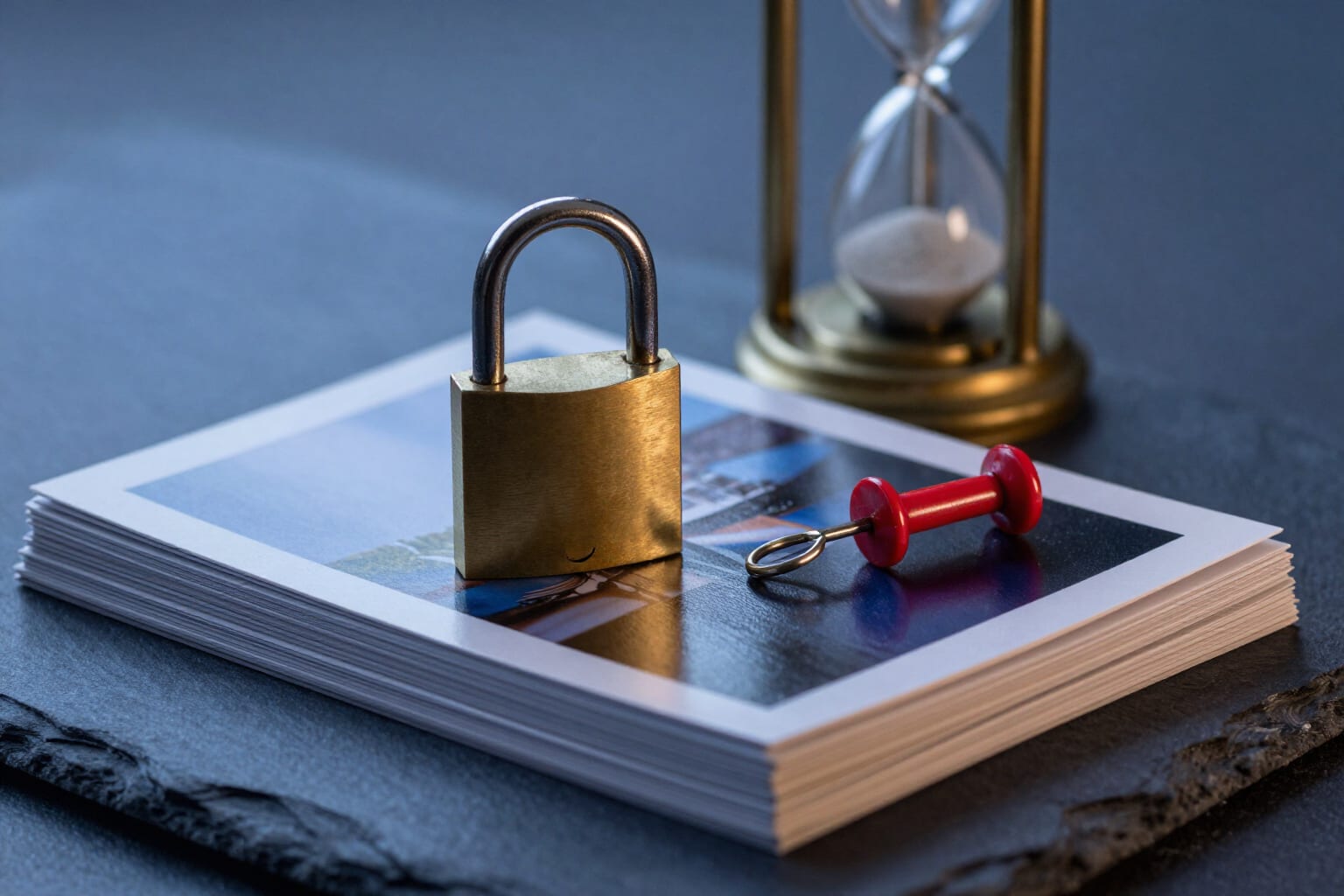
Remove location and keep the date
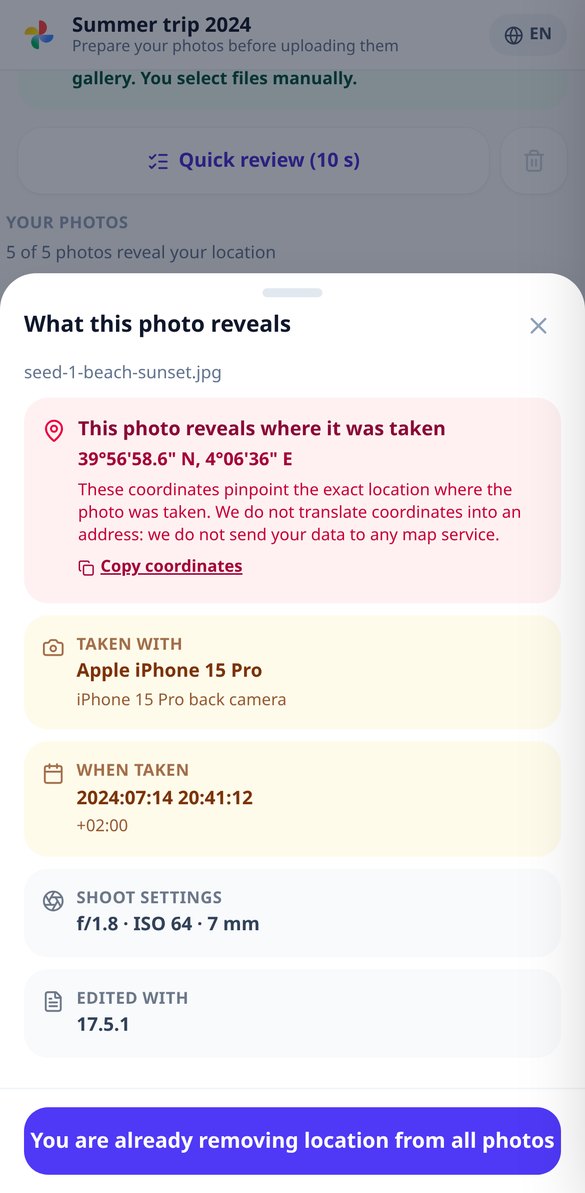
The privacy card tells you in plain language what each photo reveals, sorted by risk: coordinates, date, phone model. And the fix is on the same screen: remove only GPS (and keep the date, so your library doesn't get out of order), wipe everything, or leave it untouched. When there's no need to recompress, it works on the header without touching a pixel, and the purge is checked by re-reading the output file.
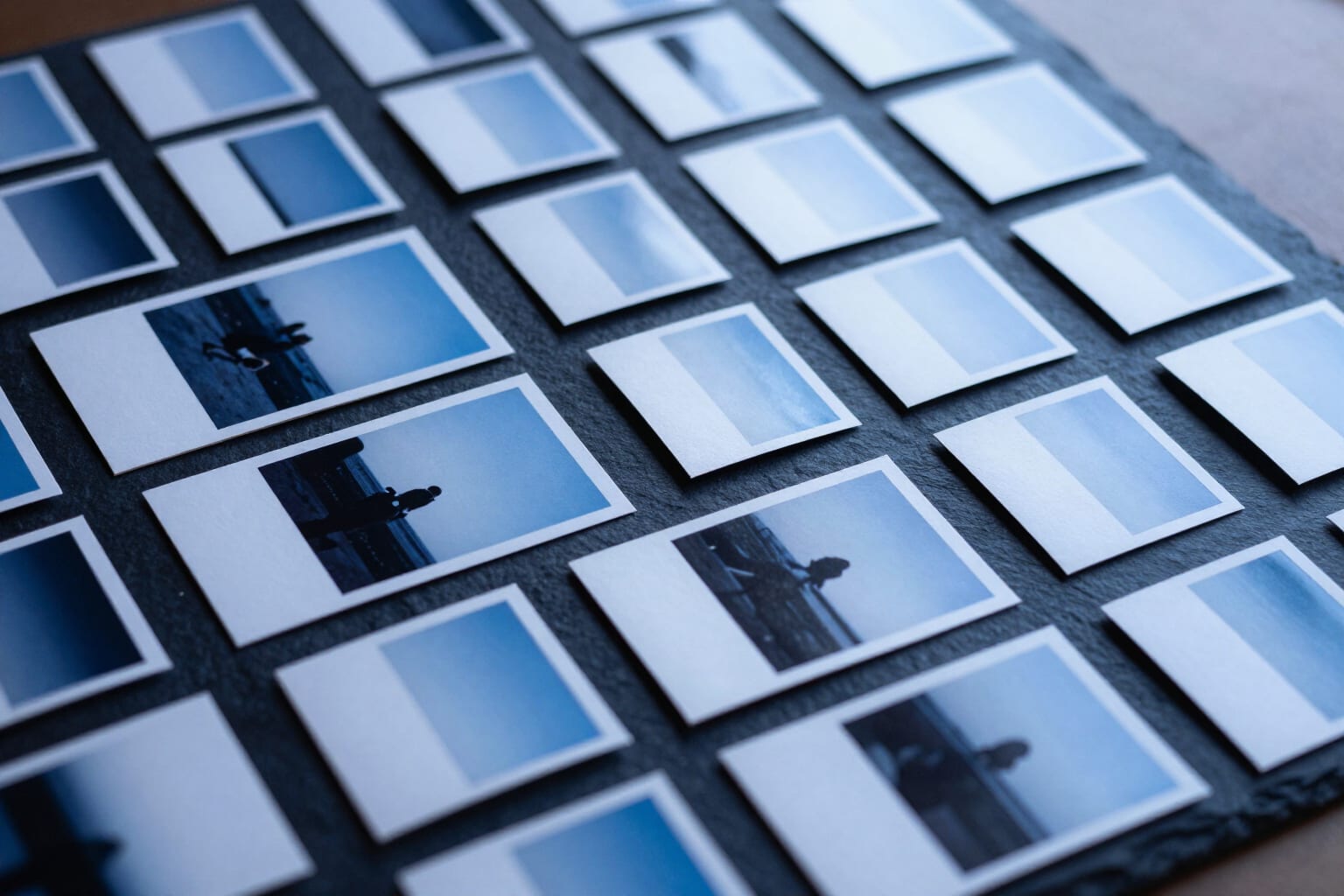
Names that say what's in the photo
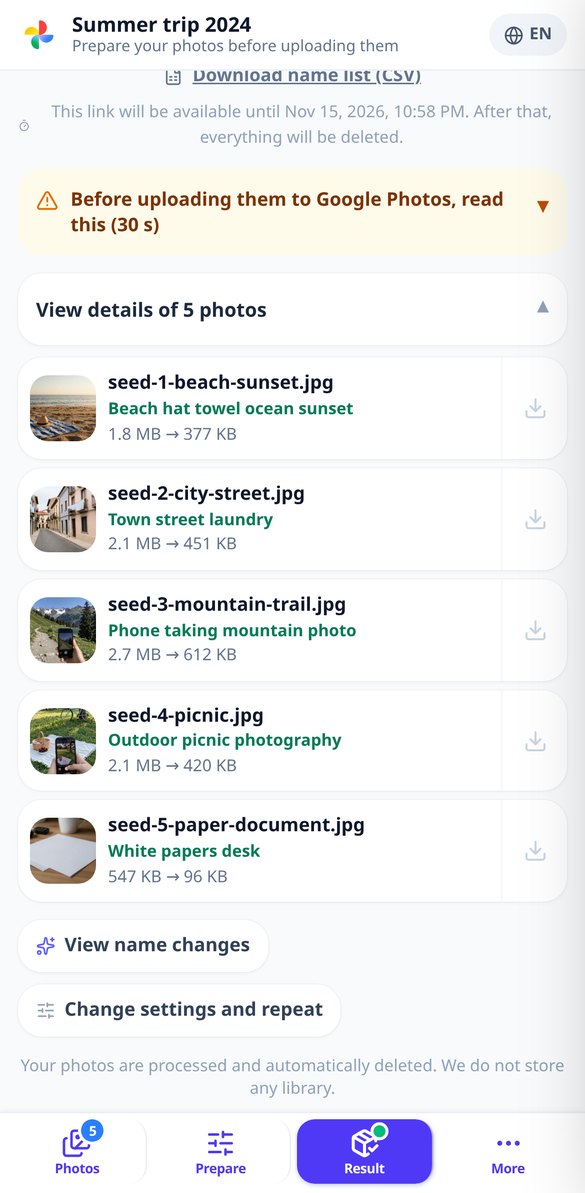
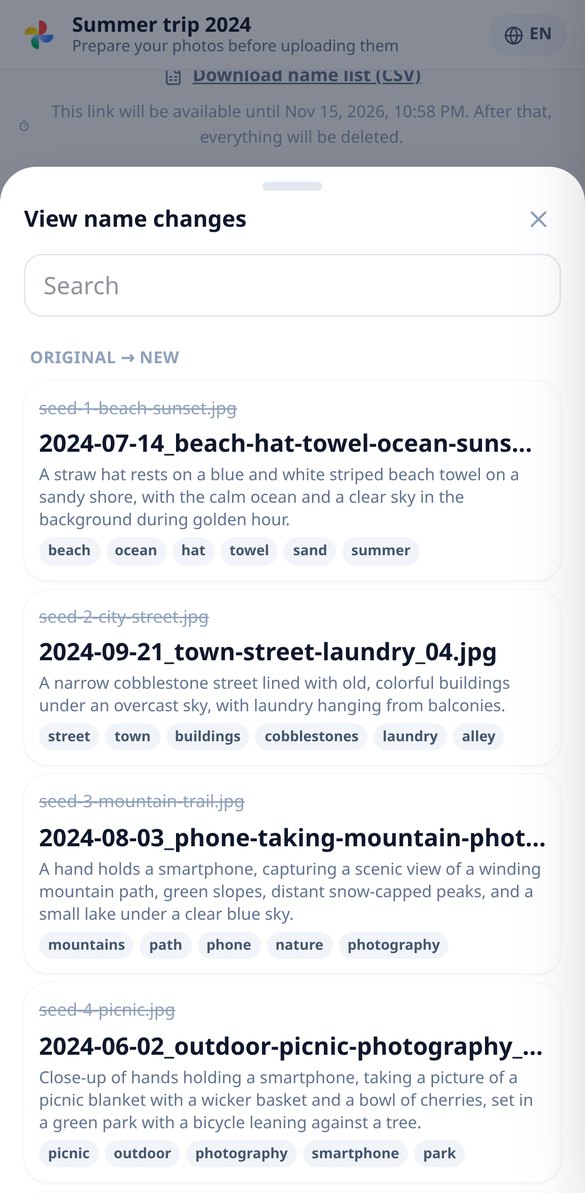
The AI looks at a thumbnail of each photo and suggests a short name, a descriptive sentence, and tags in your language: IMG_20240815_WA0023.jpg becomes 2024-08-15_playa-atardecer-ninos_01.jpg. You choose the pattern, you can edit any name by hand, and the ZIP comes with a CSV that matches the old name to the new one. If the AI fails or the quota runs out, the name comes from the EXIF date and the batch continues.
Three steps and you download the fixed batch
Entra senza registrarti
Si apre nel browser, senza installare nulla e senza chiederti l'account di gioco. Atterri direttamente sul tabellone e quello che costruisci si salva sul telefono: se chiudi il browser non perdi la posizione.
Copia la tua posizione
Trascina i tuoi dischi, quelli dell'avversario e la Regina sullo schema e tocca la buca in cui vuoi andare, oppure lascia in automatico e fai scegliere all'app la migliore delle quattro. I pezzi non si sovrappongono né escono: si sistemano da soli in una posizione legale.
Leggi il verdetto e allenati
Appoggio consigliato, finestra, angolo, frazione di disco, blocchi, avviso di fallo e difficoltà dettagliata. Scarica il diagramma in PNG o il quaderno A4 in PDF per esercitarti, e torna al gioco con il riferimento in testa. Con un account puoi salvare le tue posizioni, tenere lo storico degli esercizi e chiedere a Nolan di spiegartelo.
Frequently asked questions
Your photos, lighter and without your location inside
Calcolare è gratis, illimitato e senza account. L'account salva le tue posizioni, i tuoi progressi negli esercizi e apre il coach con IA.